
How to book an ad-hoc Session.
Need to book a single session for your child? No worries, this guide should help you request an ad-hoc booking.
Please note that there is a 24-hour cancellation policy for ad-hoc bookings. Please contact theloosc@hotmail.com to discuss cancellation of an ad-hoc booking.
If you are having any difficultiles, please contact theloosc@hotmail.com
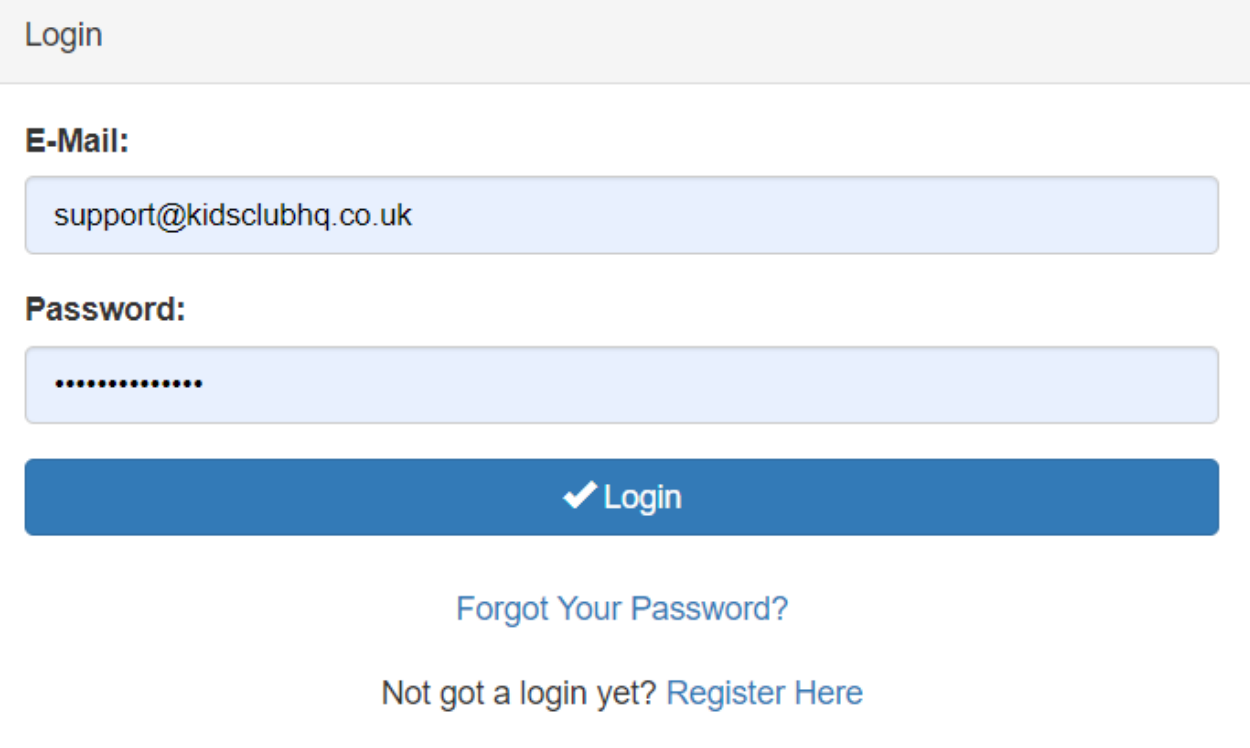
Step 1: Log In to Kids HQ
Your first step is to log in to your Kids HQ account, which can be accessed by clicking this link
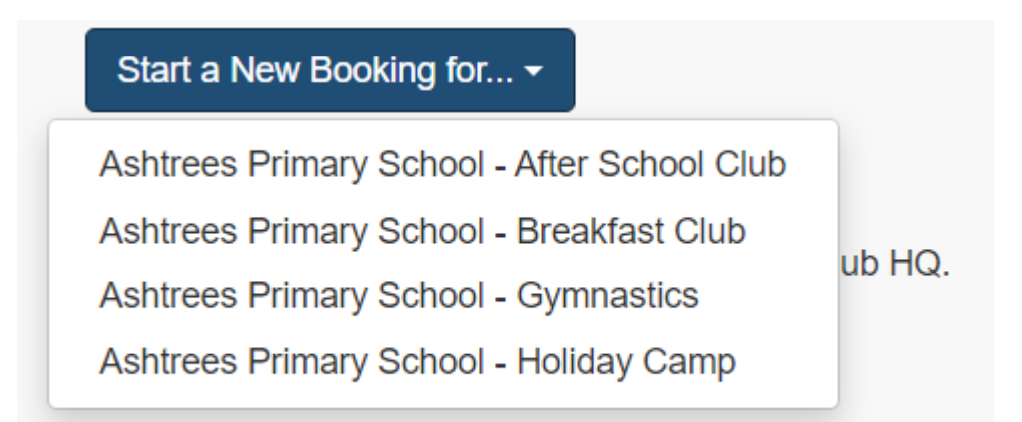
Step 2: Start a new booking
Select the ‘Start a New Booking for’ button to select what type of booking you want
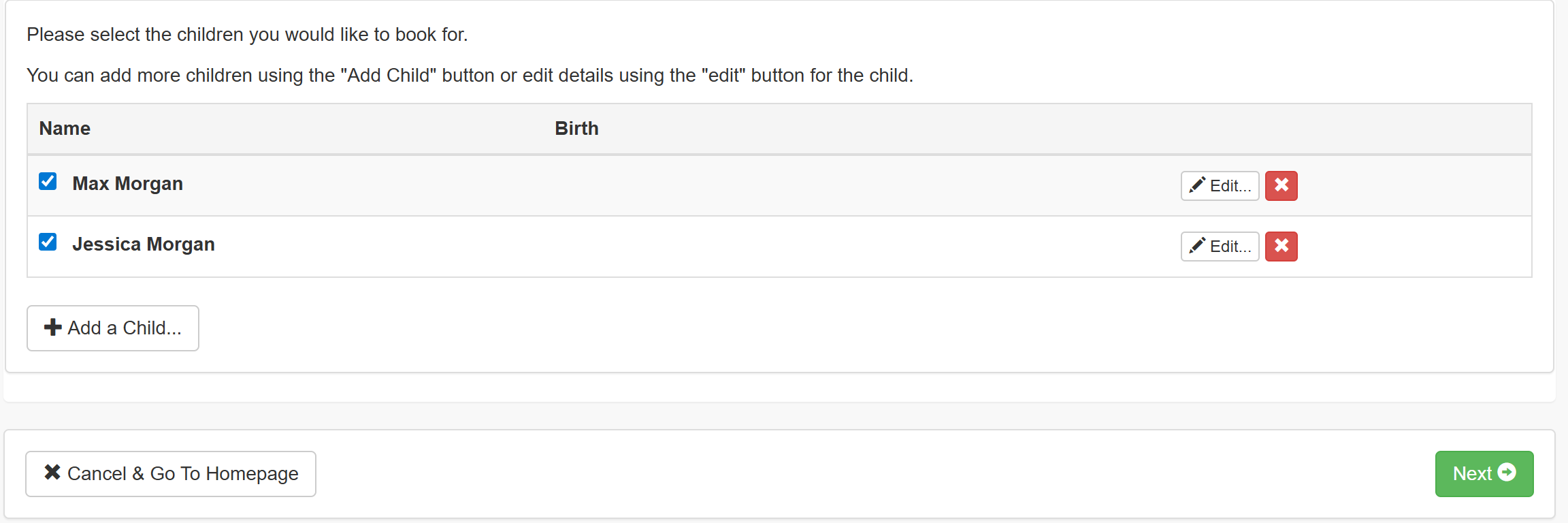
Step 3: Select your Child
Select the child or children you wish for the ad hoc booking and click Next
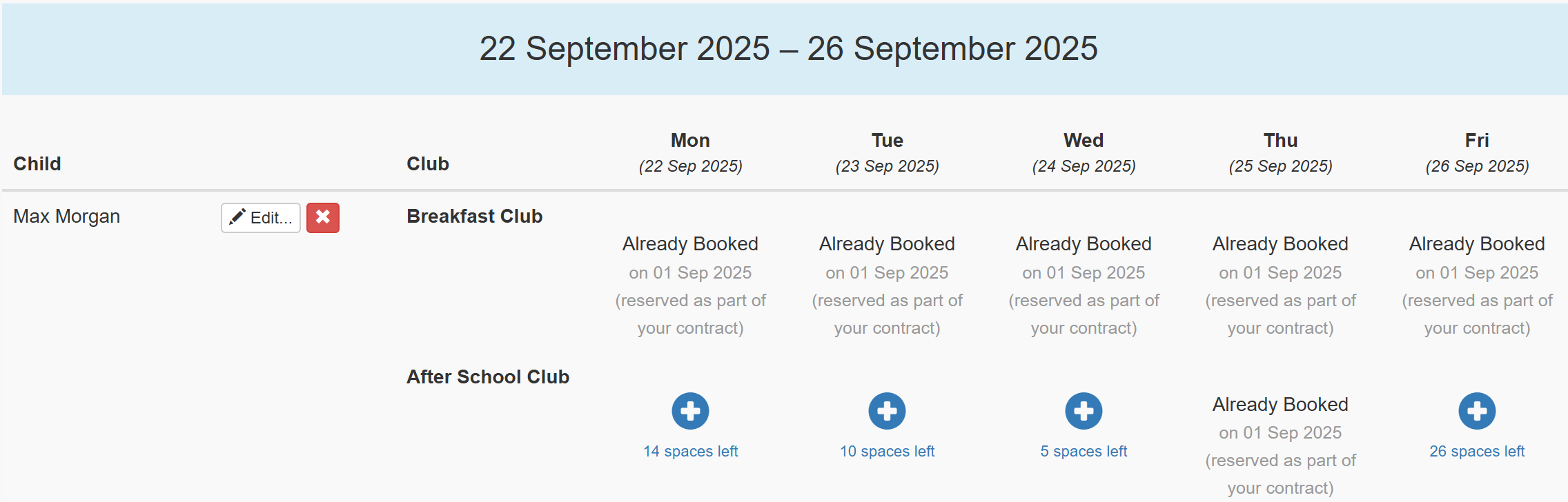
Step 4: Select the Day
Choose the day you wish to book the ad hoc session for, if you have an existing contracted sessions, it will be shown here.
Click Next at the bottom of the page to continue

Step 5: Confirm Essential Details
You will be asked to ensure the carers contact details and medical details for the child are correct
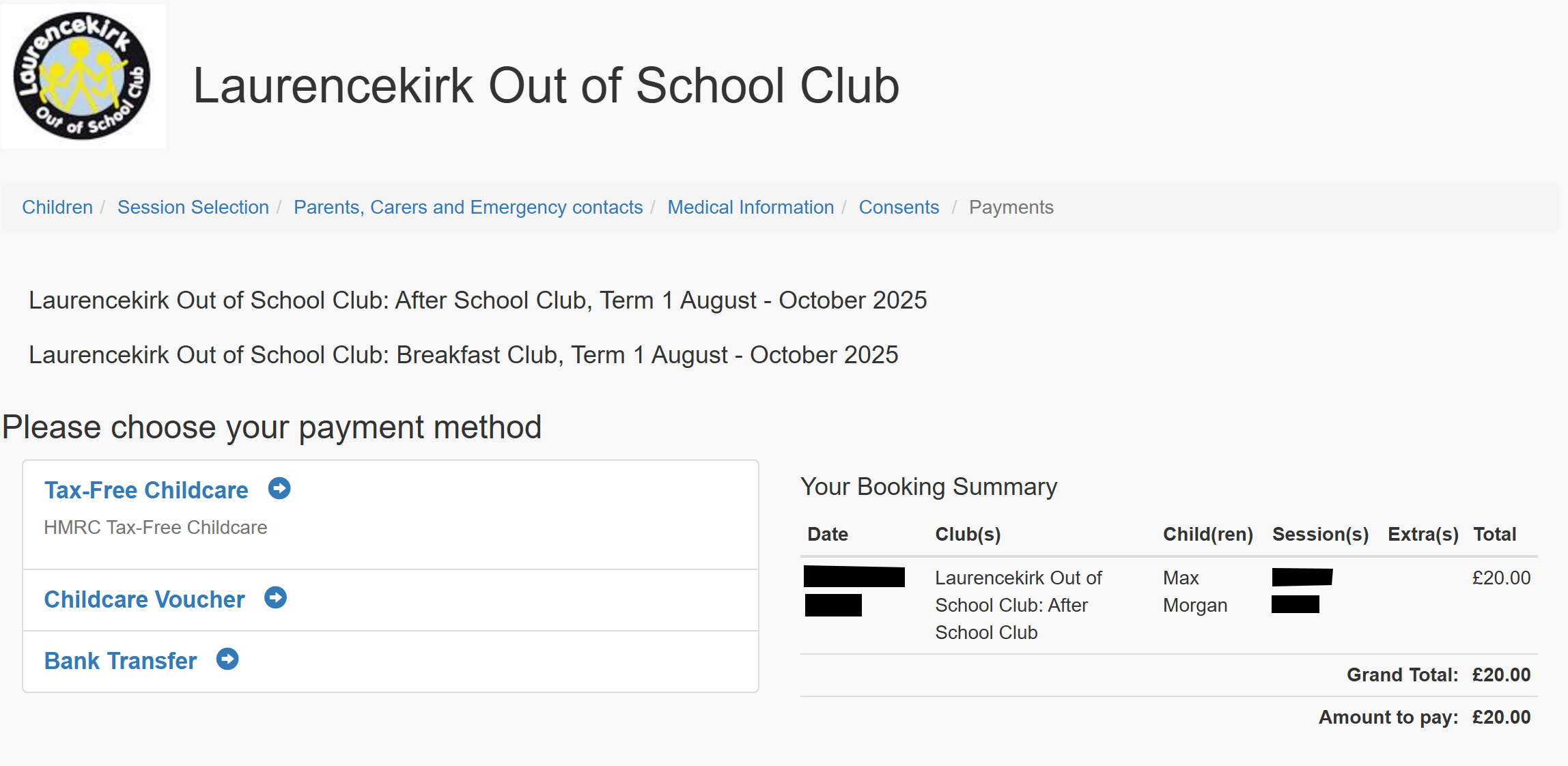
Step 6: Review T&Cs and Payment
Next, please review and accept the club’s terms and conditions and then arrange payment for the seleted session